01
✦
Idea
You describe the direction.
TAPFORGE captures intent.
TAPFORGE turns static project documentation into a living product experience: ask questions, understand faster, build from proof, and move from idea to live site.
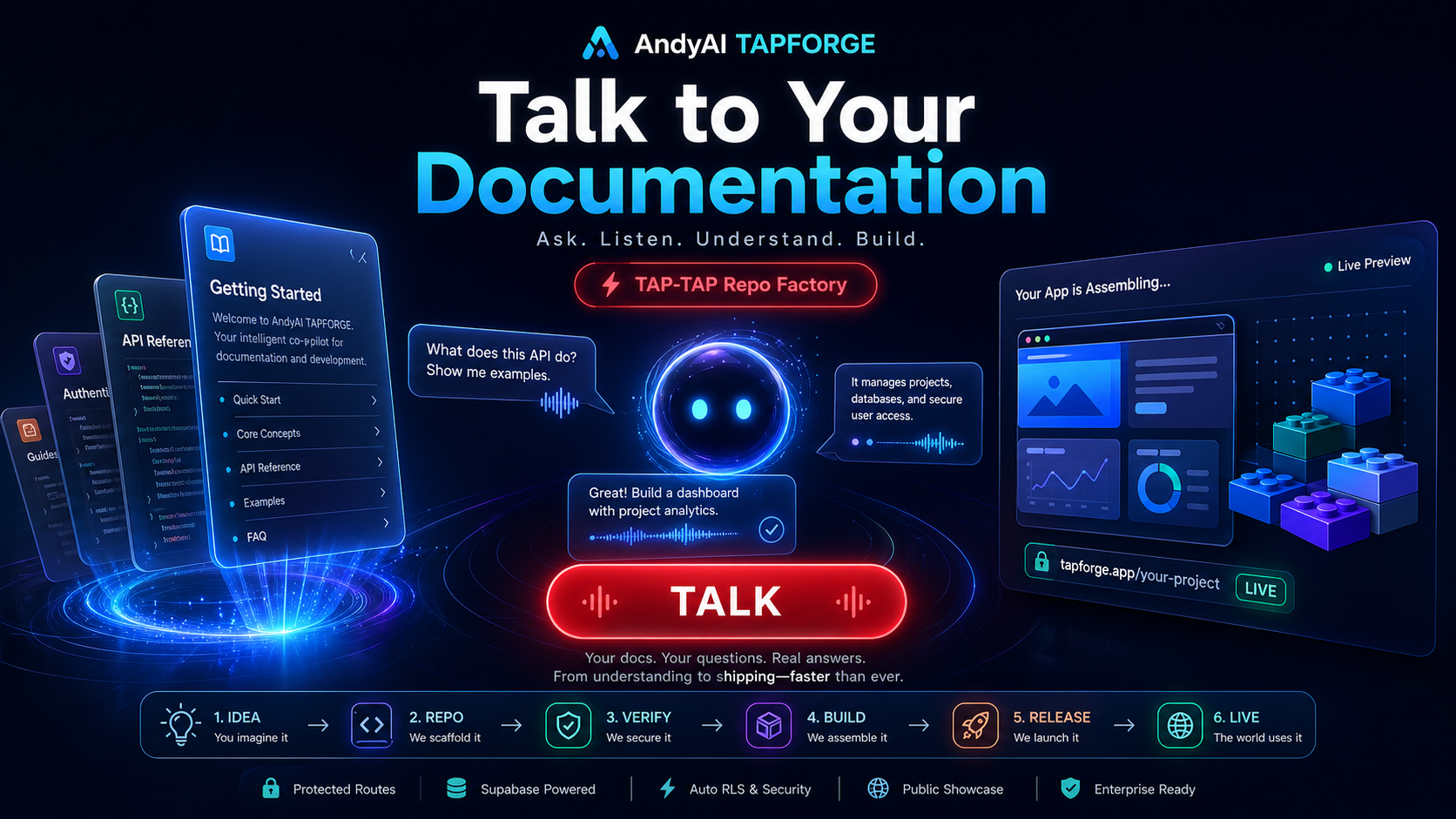
First, the visitor should feel the magic. Then the factory map explains the system. This is the TAPFORGE split: impact first, clarity second, action third.
Hero attracts. Flow explains. Talk converts.
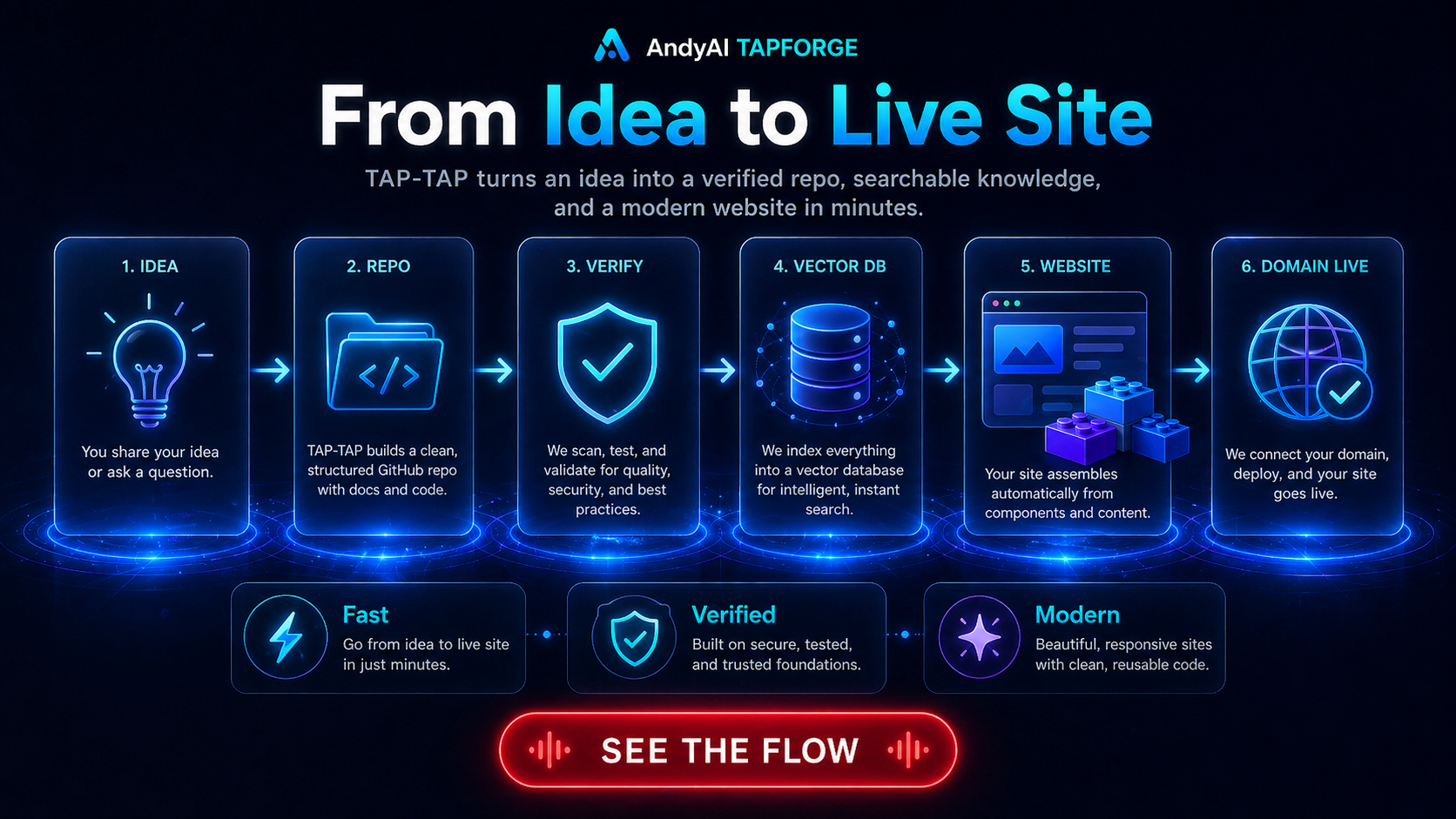
TAPFORGE visualizes the production path: the human spark becomes a repo, the repo becomes verified knowledge, and the verified knowledge becomes a public product experience.
You describe the direction.
The project gets structure.
The work is checked.
Docs become explainable.
The public story appears.
The world can see it.
TAP-TAP means speed with structure: every jump forward leaves files, checks, evidence, release notes, tags, deploys, and a clear next gate.
The point is not to make visitors read more. The point is to let them ask, hear, understand, and move. TAPFORGE documentation becomes a staged conversation.
Do not make the visitor search. Let the product invite the question.
Suggested questions make the first click easy and remove blank-page anxiety.
Answers translate technical layers into human language, step by step.
Every answer points toward flow, proof, voice, or building your own version.
The public site explains the experience. The private repo protects the factory, implementation details, release discipline, and commercial direction.
Visitors should feel they can ask the project itself what it is, how it works, and what has already been built.
The system turns direction into structured releases with docs, verification, build proof, commit, tag, and evidence.
The public site becomes a living product layer assembled from the same repo discipline that builds the software.
The page should make visitors want to click, ask, and discover — before they ever see a technical endpoint.
v9 made TAPFORGE provable. v10 must make TAPFORGE understandable, clickable, and desirable.